Published on in Notes
Updated on
測試從 Quill (Micropub)發送到 GoBlog
成功。它使用的是線上驗證模式,並沒有要求密碼,只是在瀏覽器中跳轉了幾次相互的頁面,就能成功發文了。可見 iA Writer 實作的 micropub 或許是舊規格?
IndieWeb testing...
Status update
測試從 Quill (Micropub)發送到 GoBlog
成功。它使用的是線上驗證模式,並沒有要求密碼,只是在瀏覽器中跳轉了幾次相互的頁面,就能成功發文了。可見 iA Writer 實作的 micropub 或許是舊規格?
已關閉站內彼此觸發的 webmention,測試一則包含圖片的 note,確認是否正常。
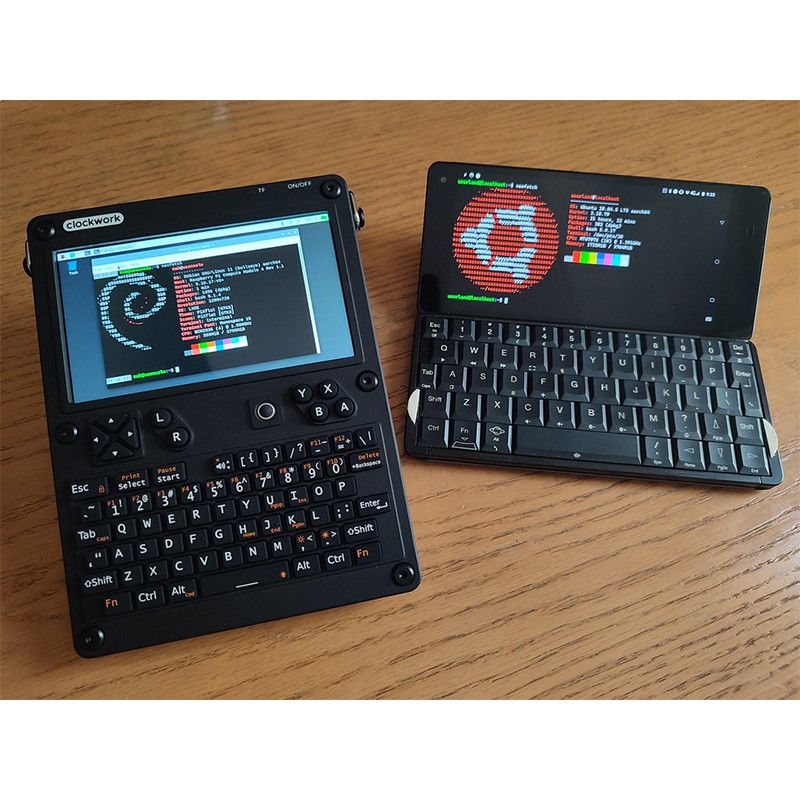
🖼️ View
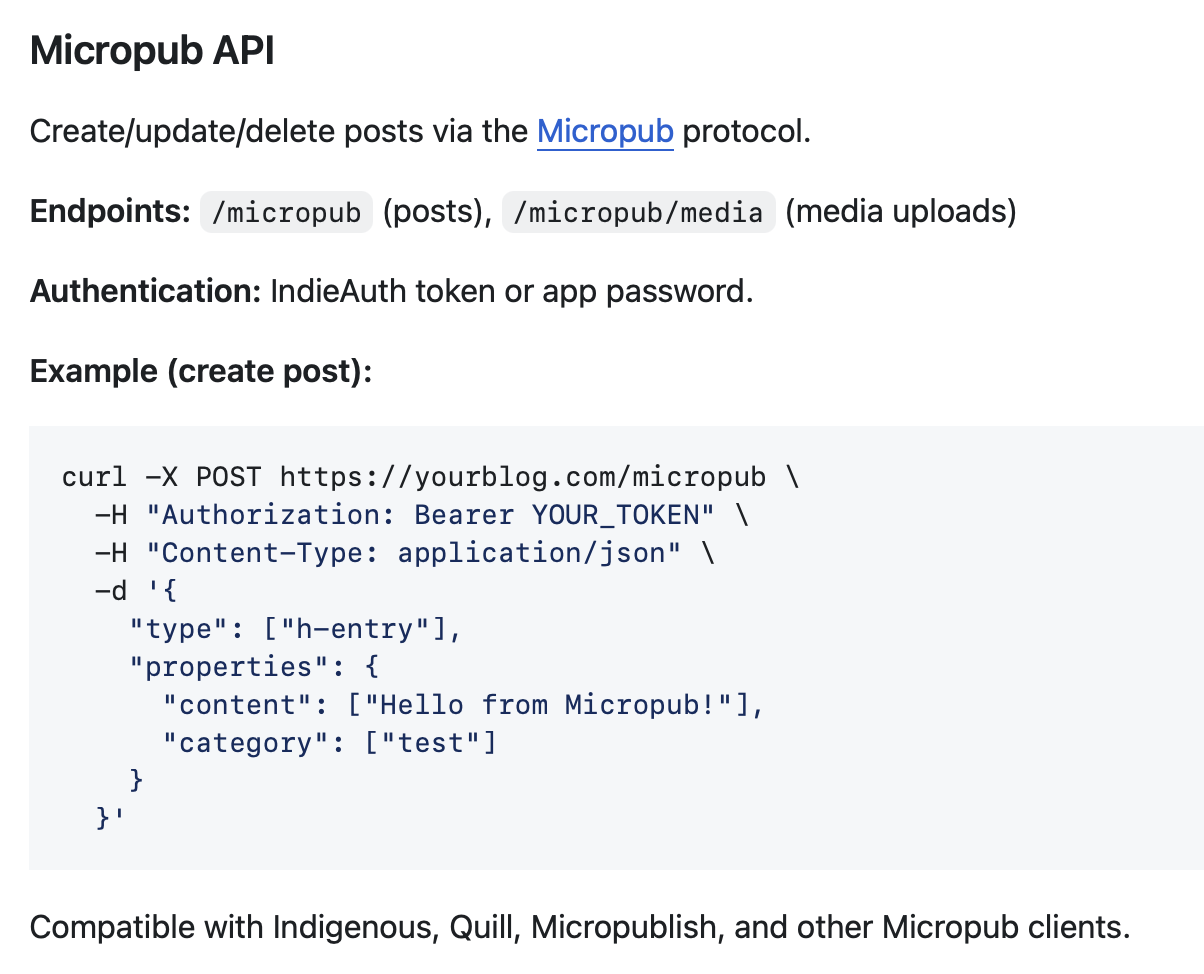
嘗試測試 iA Writer 設置 micropub 未果。
選擇「在瀏覽器中授權」,網站會顯示 400 Bad Request - PKCE is required for URL-based clients。
「手動輸入權杖」時輸入在後台建立的 App password,iA Writer 則會跳出「存取權杖已被撤銷或不正確」字樣。
🖼️ View
極簡的 Editor 輸入框,在 settings 設定預設型態(Notes),其餘就是自行在上方 frontmatter 區段輸入 YAML 格式,例如 section: posts,就是得自己輸入正確名稱。
下方有預覽區塊,若輸入錯誤的設定,預覽區會有警語。
Settings => Post sections 可選預設內容型態。
內建預設是 Posts,可由下方自建。新建時只能輸入 Name 與 Title(呈現於網頁上的名稱);建立後還能輸入 Description, Path template,另有 Show full content in summary 與 Hide on main index 兩個可勾選的設定。